Blog
Flat Files, Artifact Kinds, and Page Output Policy
Route shape, artifact semantics, and page output policy are separate decisions so the site can emit pages, XML, JSON, and literal flat files without awkward special cases.
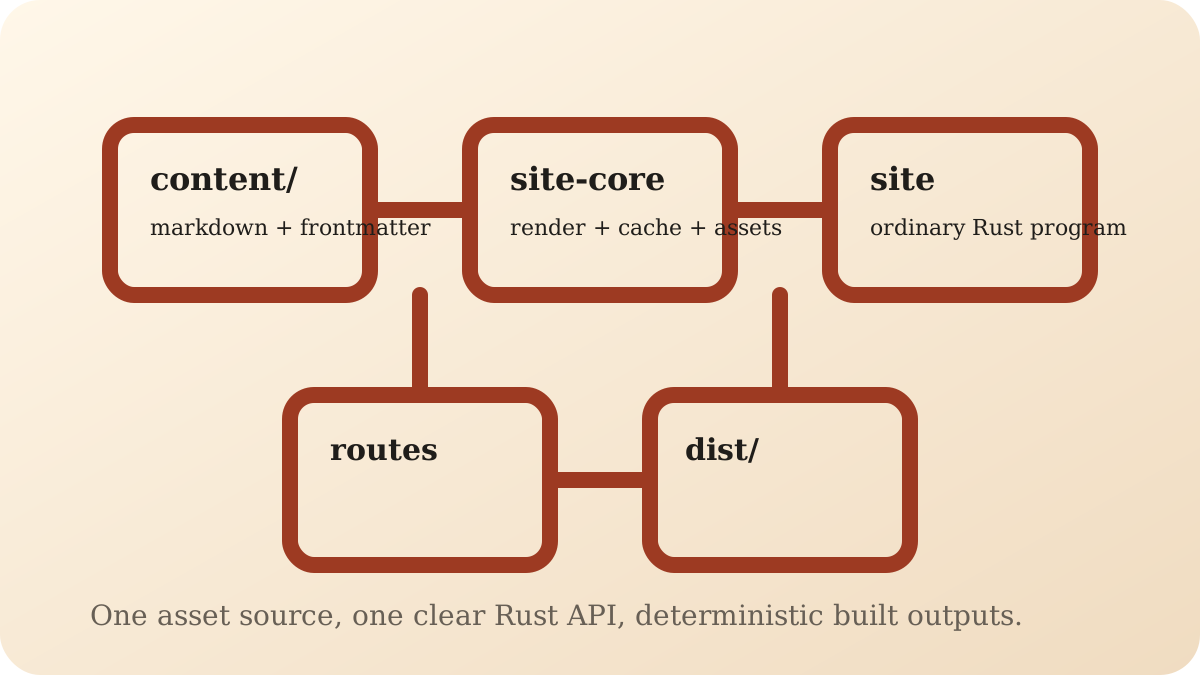
Filename policy and artifact semantics are not the same concern
Static site frameworks often blur several ideas together:
what the route means
what bytes it emits
what filename policy should be used on disk
This project keeps them separate on purpose.
The public API surface
The main API pieces are:
ArtifactSiteBuilder::page(...)SiteBuilder::file(...)GeneratedRoute::file(...)PageRouteOutputSiteBuilder::page_route_output(...)
That is the route-shape slice of the public API.
Artifact kind describes the bytes
Routes emit one of:
Artifact::HtmlArtifact::XmlArtifact::JsonArtifact::Text
That says what kind of content the route produced.
It does not force the output filename.
Route registration decides the output path shape
The framework has page-like routes and explicit flat files.
Use:
page(...)for ordinary routes such as/or/sitemap.xmlfile(...)for literal outputs such as/robots.txtor/_headersGeneratedRoute::file(...)when a generated route should still be a literal file
That keeps cases like robots.txt first-class without pretending they are HTML pages.
The page output policy belongs at the site level
For page-like routes, the site can choose between:
/slug/index.html/slug.html
That is configured once through page_route_output(...).
Flat files are not affected by that policy, which is exactly what you want. A route like
/_headers should stay /_headers, not get rewritten because the site prefers flat HTML for page
routes.
Why this separation matters
It avoids several kinds of API confusion:
text output does not imply a
.txtextensionJSON output does not have to be a "special JSON route" API
XML output does not need a different route model from HTML
page filename policy does not leak into literal config files
That makes the route API easier to explain and easier to extend.
Where to go next
Read Generate non-HTML routes for the concrete task version.
Read Route shapes and artifacts for the reference view.
Read Your first site if you want the simpler page-route story first.