Blog
Probe Authored Images Without Decoding Them
New image-probing helpers let route handlers and markdown components inspect authored image format and dimensions before deciding which outputs to generate.
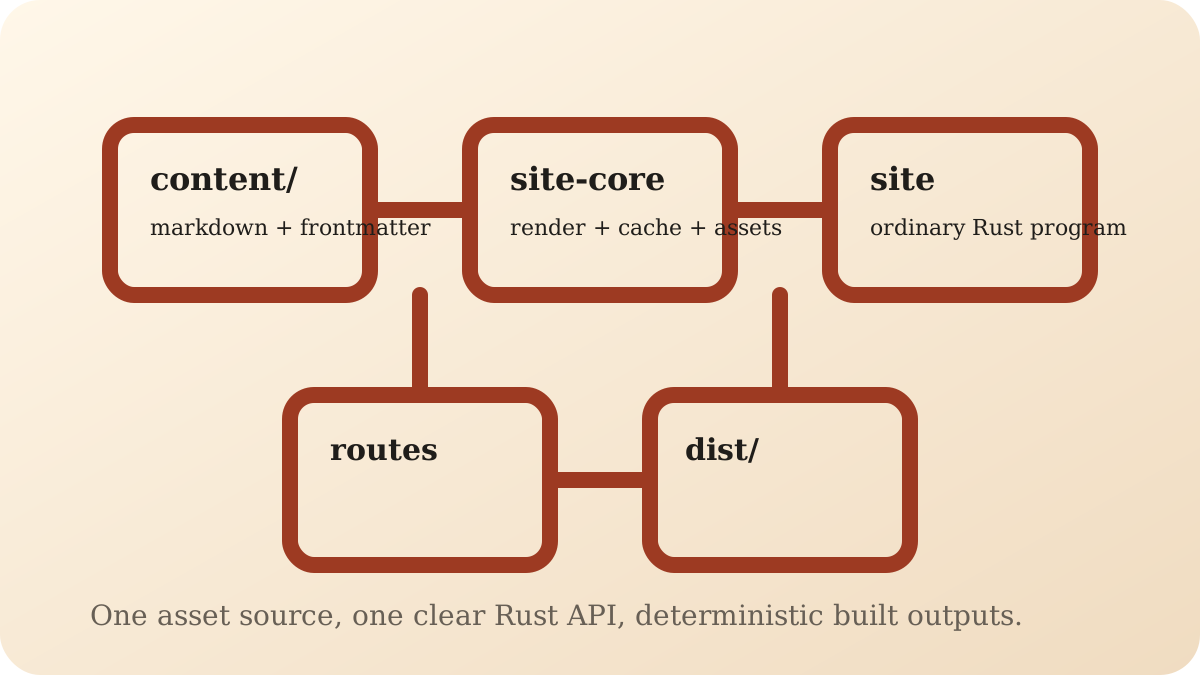
Probe first, transform second
The asset pipeline now exposes a small image-probing API for the cases where site code really does need to branch on the authored source image.
If you want the task-oriented version first, start with Work with content images and Override markdown components. For the exact public API, see Site-building API.
The key constraint is that this should not require decoding the full image into pixels just to learn basic facts such as:
what format the authored image uses
how large it is
whether it is vector-based
That is useful when the site wants to choose output widths, skip unnecessary downscales, or decide whether a vector-specific path makes more sense than a raster path.
The public API surface
The main entry points are:
RenderContext::probe_image(...)ComponentProps::probe_image(...)ImageProbeImageProbeFormat
The lower-level asset crate also exposes:
probe_image_bytes(...)probe_image_path(...)
The site-facing API stays small
From a route handler, the entry point is:
let probe = ctx.probe_image(entry, reference)?;
The result carries three fields:
pub struct ImageProbe {
    pub format: ImageProbeFormat,
    pub width: u32,
    pub height: u32,
}
The format enum is intentionally about the authored source:
pub enum ImageProbeFormat {
    Avif,
    Jpeg,
    Png,
    Svg,
    Webp,
}
Both ImageProbe and ImageProbeFormat also expose is_vector() for the common SVG case.
One use case: choose responsive widths from the source image
If the authored image is already smaller than the largest width you would normally emit, you can branch on the probe result before asking the asset pipeline for responsive outputs:
let probe = ctx.probe_image(entry, reference)?;
let widths = if probe.width >= 1600 {
    vec![800, 1200, 1600]
} else if probe.width >= 1200 {
    vec![800, 1200]
} else {
    vec![probe.width]
};

let image = ctx.responsive_image(
    entry,
    reference,
    &ResponsiveImageOutput::widths(ImageFormat::Avif, widths)
        .with_sizes("(min-width: 54rem) 54rem, calc(100vw - 2rem)"),
)?;
That keeps the route code explicit:
probe the authored asset
decide what outputs are worth generating
then ask for the outputs you actually want
Markdown components can use the same idea
The same capability is available in markdown components:
let probe = props.probe_image("src")?;
That matters because markdown-authored images are often where the site has the least a priori knowledge about source dimensions.
For example, a custom img component can decide whether it should:
keep an SVG on a vector-first path
emit a width-based
srcsetskip large responsive variants for a small authored raster image
The lower-level helpers stay path-based
The public site code normally reaches this through site-core.
The lower-level probing helpers live in ultrashiny, which matches the rest of the repository:
site-corekeeps the site-facing API small and readablesite-coreresolves authored references relative to the source documentultrashinyowns the heavier probing and transform implementation once it has a resolved path
Dependency tracking still works
RenderContext::probe_image(...) records the authored source image as a route dependency.
That means a route that only probes an image still rebuilds correctly if that source image changes later. Probing is lightweight, but it is still part of the build graph.
What this does not do
This API is intentionally narrow.
It does not replace the format-agnostic output API, and it does not expose pixel data, color metadata, or any transform controls. It only gives site code enough information to make higher-level decisions before requesting actual outputs.
That keeps the common path simple:
ask for the output you want when source details do not matter
probe first only when the authored source really changes the decision
The checked-in SVG still works as an ordinary markdown image
Where to go next
Read Work with content images for the task-oriented version.
Read Override markdown components for the markdown component version.
Read Site-building API for the exact public API.
Read Introducing the Asset Pipeline for the broader feature overview.